Working with industry leaders
We’re a proud partner of these globally recognized brands:







How to use QuillBot’s AI thumbnail maker
1
Enter your requirements
Describe your desired thumbnail and choose a style and aspect ratio.
2
Refine your results
If needed, tweak the prompt or style to generate a new thumbnail.
3
Download and share
Choose your favorite thumbnail and download the high-resolution image.
Why use an AI thumbnail generator?

Get inspiration
Draft multiple ideas to determine what you want your thumbnail to look like.

Save time
Turn rough ideas into ready-to-use thumbnails in seconds without complicated edits.

Produce professional images
Create high-quality thumbnails that match your brand across platforms.

Tips for creating thumbnails with QuillBot’s AI thumbnail generator
Use detailed and specific prompts
Experiment with different styles
Specify colors, text, and video topics
Create multiple iterations until your image is perfect
The AI thumbnail generator for everyone
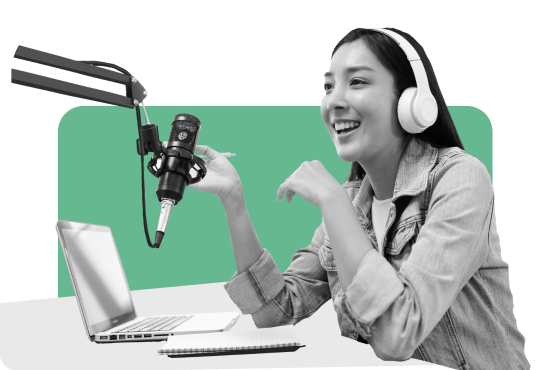
Content creators
Generate eye-catching thumbnails that help your videos stand out in crowded feeds.
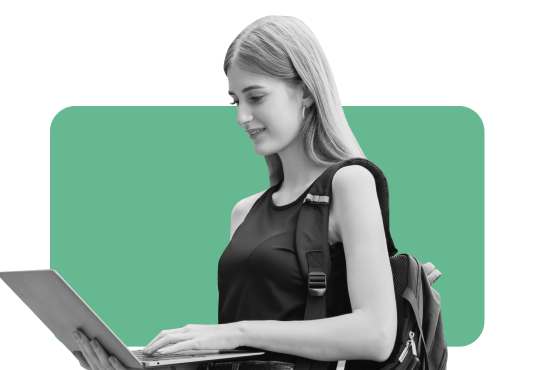
Students
Create polished thumbnails to make projects and presentations shine.

Small business owners
Get professional thumbnails for demos, tutorials, or promos in seconds.


Why writers love us
AI thumbnail generator FAQs
What is an AI thumbnail generator?
An AI thumbnail generator creates eye-catching images for videos, presentations, and social posts using simple text prompts. It helps you grab attention and improve engagement without the need for advanced design tools.
How does QuillBot’s AI thumbnail generator work?
You simply enter a prompt describing the look you want and choose a style. Our tool uses AI to generate custom, eye-catching thumbnails in seconds. You can specify colors, text, style of video, or even a popular creator you'd like to emulate. If the output is not what you envisioned, you can tweak your input or regenerate options until you get a design that looks perfect.
Is QuillBot’s AI thumbnail maker free to use?
Yes, you can use QuillBot’s AI thumbnail generator for free. Or upgrade to Premium
Do I need design skills to use QuillBot’s AI thumbnail generator?
No design skills are necessary. The AI does the heavy lifting for you. Just describe your idea and watch as the tool generates professional-quality thumbnails in seconds.
Can I generate other types of images besides thumbnails using QuillBot?
Yes, if you wish to generate full-sized visuals, explore a wider range of art styles, or create complete scenes rather than just thumbnails, you can use our AI image generator
What file formats are supported when downloading thumbnails?
Thumbnails download in PNG format to allow for the highest quality. You can also use QuillBot’s free image converter tools to easily change them to JPG, JPEG, or even PDF.
Can I use QuillBot’s AI thumbnail generator for YouTube, TikTok, and Instagram Reels?
Absolutely. The tool is optimized for social and video platforms, so you can generate thumbnails sized and styled for YouTube, TikTok, Instagram Reels, and more.
How do I write effective AI prompts for creating thumbnails?
Be clear and specific about your content’s theme, tone, and visuals. Include details like the theme, mood, colors, text you want included, and any specific imagery. For example, typing “Bright summer travel vlog with bold text about Barcelona trip” helps the AI create thumbnails that match your vision perfectly.